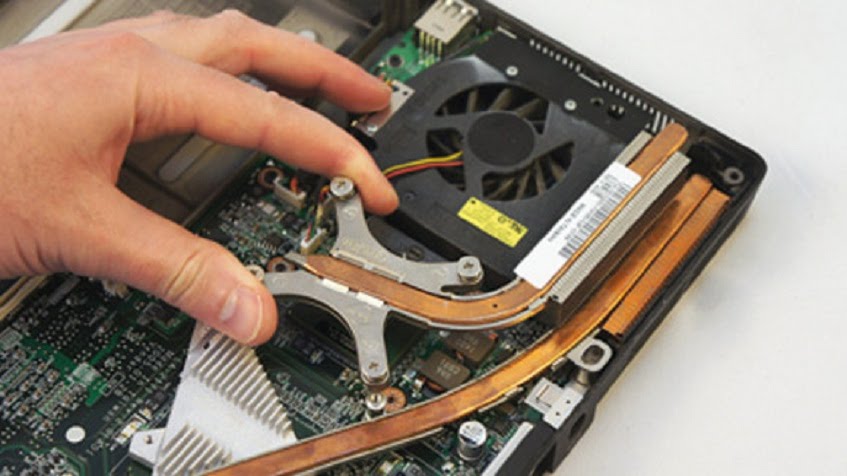
Suppose you have a problem with excessive heating that is causing your laptop to become unresponsive. In that case, the best solution is to have our technician fix this problem by cleaning the cooling system and replacing the fan. Applying thermal paste to the CPU and the GPU will also prevent your motherboard from operating at high temperatures. This cost-effective method can save you a large amount of money on repairing major issues.
Laptop Fan Replacement Service
Laptop overheating, switching itself off? Faulty fan? Dried thermal compound paste? Or something else? Don’t wait too long while it began to be a critical point for your computer! Get in touch with one of our skilled technicians to get help repairing your windows device.
10 Anson Road
International Plaza #01-59
Singapore 079903 /
200 Victoria Street Bugis Junction #03-24, Singapore 188021
Office hours
International Plaza Mon-Fri: 11am-6pm Sat,Sun: Closed
Bugis Mon - Sun 11am-8:30pm
Newsletter signup
Make an Appointment
We use cookies to ensure that we give you the best experience on our website. If you continue to use this site we will assume that you are happy with it.